


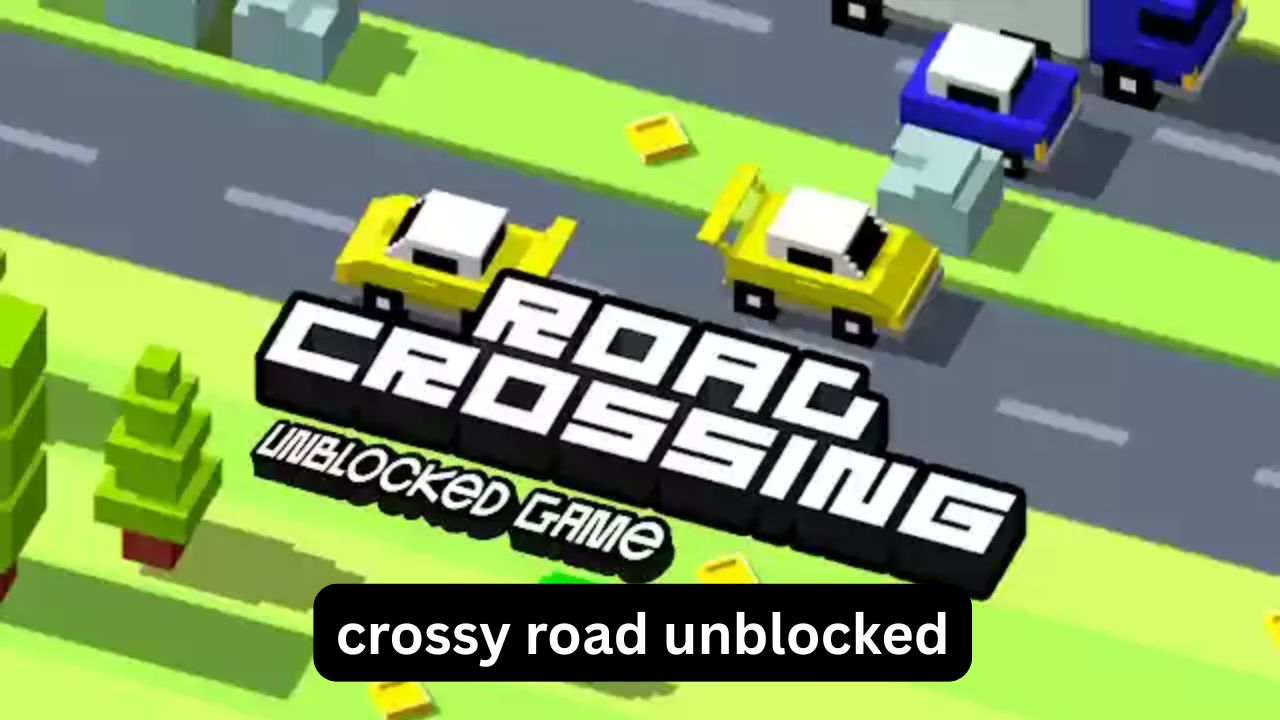
If you have ever searched for Crossy Road unblocked because the regular game was blocked on a school or work network, you are probably looking for something simple: a version that loads quickly, works in a browser, and does not require a complicated setup. The problem is that “unblocked” can mean several different things. Some pages are legitimate browser versions, some are unofficial copies, and others are simply crowded game portals with misleading buttons.
This guide explains what Crossy Road unblocked actually means, why searches such as Crossy Road Unblocked 76, Crossy Road unblocked Poki, Crossy Road unblocked games, and Crossy Road unblocked classroom produce different results, and what to look for before playing. It also covers browser compatibility, common problems, practical safety checks, and a few gameplay techniques that make the original endless-crossing concept much easier to understand.
The goal is not just to find a page that opens. It is to understand which type of version you are dealing with and how to avoid wasting time on unreliable sites.
What Is Crossy Road Unblocked?
Crossy Road unblocked generally refers to a browser-accessible version of Crossy Road that can be played on a network where certain gaming websites or applications are restricted.
The original Crossy Road is an endless arcade game built around a very simple idea: move a character across roads, rivers, railway tracks, and other hazards without getting hit or falling.
The controls are deliberately minimal:
- Tap or click to move forward.
- Swipe or use directional controls to move sideways.
- Avoid vehicles and other moving hazards.
- Keep progressing to increase your score.
The difficulty comes from timing rather than complicated controls. A short crossing can look safe one moment and become dangerous a second later.
Why do people search for an unblocked version?
The most common reasons are practical:
- A gaming website is blocked on a school network.
- A user wants a browser-based version instead of installing an app.
- The device has limited software permissions.
- Someone is looking for a quick casual game.
- A browser version is easier to access on a shared computer.
However, a blocked website does not automatically mean that another website should be used to bypass the restriction. School and workplace filters exist for administrative, security, and productivity reasons. If a network administrator intentionally blocks gaming sites, the responsible approach is to respect that policy.
Crossy Road Unblocked 76: What Does It Mean?
The phrase Crossy Road Unblocked 76 usually refers to the wider category of school-friendly or unblocked game websites associated with “Unblocked 76.”
The important point is that “Unblocked 76” is not a special game mode built into Crossy Road.
In many cases, users searching this phrase are actually trying to find a browser portal containing multiple games. The same title may therefore appear in several different versions or implementations.
That creates an important distinction:
Game title ≠ website hosting the game.
A page can advertise Crossy Road without being the official developer’s version. The actual game may be an embedded browser adaptation, an HTML5 implementation, or another unofficial reproduction.
Before clicking around a game portal, check:
- Whether the page clearly identifies the game.
- Whether the controls work without unnecessary downloads.
- Whether clicking the play button opens unexpected pages.
- Whether the site requests browser permissions it does not need.
- Whether the network’s acceptable-use rules allow gaming.
This small amount of caution can save considerably more time than repeatedly trying random “unblocked” pages.
Crossy Road Unblocked on Poki
Another frequent search is Crossy Road unblocked Poki.
Poki is known for browser-based games, so users sometimes associate Crossy Road with the platform when looking for a version that runs directly in a browser.
There is an important distinction between browser accessibility and network unblocking.
A game being playable through a browser does not guarantee that it will work on a particular school or workplace network. Administrators can restrict an entire domain, specific categories, or gaming content regardless of whether the game itself is technically browser-based.
If a page does not load, the cause could be:
- Network filtering
- Browser restrictions
- JavaScript being disabled
- Slow network conditions
- Compatibility problems
- The game being unavailable in that region
- The page itself being outdated
This is why repeatedly searching for different mirrors is not necessarily the best solution.
Why Some “Unblocked” Game Pages Feel Different
One of the less obvious problems with browser game portals is that the same title can behave differently depending on where it is hosted.
You may notice differences in:
- Loading time
- Keyboard controls
- Touch controls
- Full-screen behavior
- Sound
- Advertising
- Save functionality
- Game quality
- Mobile compatibility
An unofficial browser adaptation may also not reproduce the exact mechanics of the original game.
That matters if you are trying to improve your score. A small difference in movement timing can make a game feel much easier—or strangely unfair.
How Crossy Road Actually Works
Crossy Road looks almost random at first, but successful play depends on recognizing patterns.
Different hazards require different reactions.
Roads
Vehicles travel at different speeds and may approach from different directions.
Instead of watching one vehicle, look across the entire lane. You want to identify a safe window, not simply react to the nearest car.
Railway tracks
Trains create longer periods of danger. Moving forward without checking the surrounding track can quickly end a run.
A useful habit is to pause briefly before crossing instead of automatically advancing.
Rivers
River sections introduce another type of timing challenge.
Objects such as logs can provide a route across the water, but their movement means that standing still is not always safe.
Open spaces
Some sections give you more room to think. These are valuable because they allow you to reset your timing before entering a more complicated sequence.
A Practical Strategy for Higher Scores
Many new players make the same mistake: they believe they should move forward as quickly as possible.
That is not always correct.
A better approach is controlled progress.
1. Look before moving
Do not press forward simply because the next square appears empty.
First check what is approaching.
2. Use short decisions
Instead of planning the entire crossing, decide one or two moves at a time.
This reduces the chance of committing to a route that becomes dangerous.
3. Watch the fastest hazard
If several vehicles are present, identify the fastest one first.
A slow car may look like the biggest obstacle because it is nearby, while a faster vehicle farther away may actually determine whether your timing works.
4. Don’t panic after a mistake
A surprisingly common failure happens after a player realizes they are in a bad position.
They make several rapid movements to escape and accidentally move directly into another hazard.
One deliberate move is often safer than three rushed ones.
An Uncommon Trick: Use the Screen as a Timing Grid
One useful way to improve is to stop thinking of the character as the center of the game.
Instead, mentally divide the visible area into horizontal lanes.
When a vehicle crosses one lane, observe how long it takes before another vehicle reaches the same area.
After several crossings, you begin to recognize recurring timing patterns.
This is more reliable than simply reacting to whichever vehicle looks closest.
It also explains why experienced players sometimes appear unusually calm: they are reading the movement of the environment rather than reacting to every individual object.
Another Overlooked Detail: Forward Movement Creates Risk
In many endless games, moving forward is automatically beneficial.
Crossy Road is different.
Forward movement increases your score, but it also moves you into new information you have not yet evaluated.
That means waiting can sometimes be strategically useful.
If the current position is safe, taking a moment to observe traffic can be better than immediately advancing.
The strongest players are not necessarily the fastest players. They are often the players who know when not to move.
Crossy Road Unblocked Classroom Searches
The phrase Crossy Road unblocked classroom usually reflects a specific situation: someone wants to play from a school computer or school-managed network.
There are two separate questions here:
Can the game technically load?
and
Is playing it permitted on that network?
Those are not the same thing.
A school may block gaming websites because of:
- Bandwidth management
- Student focus
- Classroom policies
- Network security
- Device management
If your school permits browser games during free periods, use the approved resources provided by the school. If gaming is prohibited, attempting to circumvent the filter can violate the school’s technology policy.
This distinction is important because “unblocked” is a technical description, not a permission slip.
Common Problems When Playing in a Browser
The game does not load
Try basic troubleshooting first:
- Refresh the page.
- Check whether other websites work.
- Make sure JavaScript is enabled if the page requires it.
- Try the browser’s normal reload function.
- Check whether the school or workplace network blocks the domain.
If the network itself blocks gaming content, changing browser tabs will not necessarily solve the problem.
Controls do not work
Some browser versions are designed primarily for touchscreens.
Try:
- Clicking inside the game first.
- Checking whether arrow keys are supported.
- Using the game’s on-screen controls when available.
- Testing whether browser focus has moved to another element.
The game is extremely slow
Browser games can struggle on older computers, especially when many other tabs are open.
Close unnecessary tabs and background applications if you are using your own device.
On a managed school computer, however, avoid changing system settings unless you have permission.
How to Recognize a Questionable Game Portal
Be cautious when a supposedly simple game page asks you to:
- Install an unknown browser extension.
- Download an executable file.
- Enable unnecessary notifications.
- Allow unusual browser permissions.
- Enter personal information.
- Complete unrelated surveys before playing.
- Click multiple misleading “Play” buttons.
A browser game should not normally require you to hand over personal information just to start a simple arcade game.
One particularly useful rule is:
If the page creates more technical work than the game itself, leave it.
There are usually safer and simpler ways to play legitimate browser games.
Original Game vs. Unblocked Browser Version
| Feature | Original Game | Unofficial Browser Version |
|---|---|---|
| Developer-controlled | Usually | Not necessarily |
| Mobile support | Designed for mobile | Depends on implementation |
| Controls | Consistent | Can vary |
| Performance | Optimized for target platform | Depends on host |
| Updates | Controlled by developer | May be outdated |
| Security | Official distribution channels | Depends on website |
| Network restrictions | May still apply | May still apply |
The biggest misconception is that an unblocked version is automatically an official version.
It isn’t.
“Unblocked” describes access conditions, not authenticity.
Common Mistakes Players Make
Moving too quickly
Speed feels productive, but Crossy Road rewards timing.
Watching only the nearest obstacle
Look at the broader traffic pattern instead.
Ignoring the sides
A safe-looking route can become dangerous when you shift sideways without checking the adjacent lane.
Assuming every mirror is trustworthy
A familiar game title does not guarantee that the hosting website is safe.
Confusing blocked with broken
If a school network blocks a domain, repeatedly refreshing it will not fix the underlying restriction.
Is Crossy Road Unblocked Safe?
The answer depends primarily on where the game is hosted.
The game concept itself is simple and family-friendly, but third-party websites can vary considerably.
A safer approach is to use recognized distribution platforms or browser services you already trust rather than downloading files from random “unblocked” pages.
You should also avoid entering passwords, payment information, or other personal details into an unfamiliar gaming website.
For students, there is an additional consideration: follow the school’s acceptable-use policy. A technically accessible page may still be prohibited.
When an Unblocked Version Makes Sense
A browser version can be useful when you simply want a lightweight casual game without installing software.
It can make sense for:
- Personal computers
- Short breaks where gaming is permitted
- Devices with limited storage
- Browser-based casual gaming
- Testing whether a game works on a particular browser
It is less appropriate when the purpose is specifically to bypass a school or employer’s restrictions.
In that situation, the issue is not really the game. It is the network policy.
FAQ
What is Crossy Road unblocked?
Crossy Road unblocked usually refers to a browser-accessible version that can be played on networks where some gaming websites are restricted. It does not necessarily mean the version is official. The hosting website and its safety are therefore important considerations.
Is Crossy Road Unblocked 76 the official Crossy Road game?
Not necessarily. “Unblocked 76” generally refers to a category of game-hosting sites rather than an official Crossy Road game mode. If authenticity matters, distinguish the game’s developer from the website hosting the browser version.
Can I play Crossy Road unblocked at school?
That depends on your school’s technology policy and network configuration. If the school has intentionally blocked gaming websites, attempting to bypass that restriction may violate its rules. Use browser games only when they are permitted.
Why does Crossy Road unblocked Poki sometimes not work?
A browser game can fail because of network filtering, browser compatibility, JavaScript settings, regional availability, or changes to the hosting page. A site being accessible elsewhere does not guarantee that it will work on a particular school or workplace network.
Is Crossy Road safe to play in a browser?
The game itself is a simple arcade title, but safety depends on the website hosting the browser version. Avoid pages that demand unnecessary downloads, browser permissions, personal information, or suspicious clicks just to start the game.
How can I get better at Crossy Road?
Focus on timing rather than speed. Watch several lanes at once, identify safe gaps, make deliberate movements, and use brief pauses to assess the next section. Over time, recognizing traffic and obstacle patterns becomes more useful than simply reacting to the nearest hazard.
Conclusion
Crossy Road unblocked is less complicated than many search results make it seem. The basic game is a simple timing challenge, while the “unblocked” part mainly concerns how and where a browser version is hosted.
If you encounter terms such as Crossy Road Unblocked 76, Crossy Road unblocked games, Poki, or classroom versions, remember that these labels do not automatically indicate an official release or a safe website. Check the hosting page, avoid unnecessary downloads and permissions, and respect school or workplace network rules.
For gameplay itself, the biggest improvement comes from slowing down mentally. Watch the lanes, identify safe windows, and treat every move as a deliberate decision rather than a race. Once you start reading the traffic instead of chasing the score, the game becomes considerably more predictable—and much more enjoyable.
